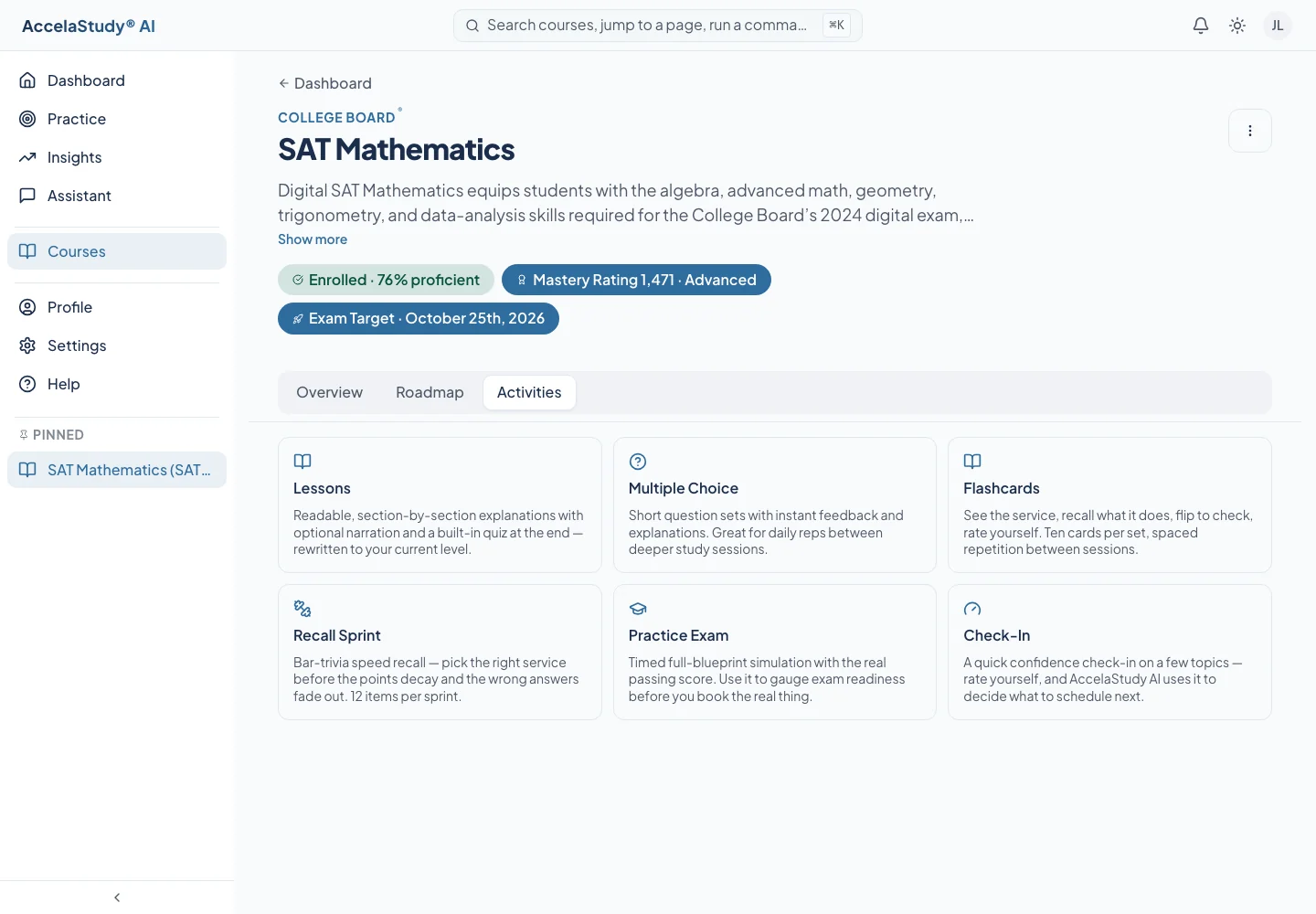
View larger ↗The Activities tab shows the formats included in a particular course.
Current app screens with illustrative demo data.
Recognizing an answer and applying an idea are different skills. AccelaStudy AI combines activity formats so practice can move beyond repeated multiple-choice questions.
1
See what your course includes
Open the course’s Activities tab to see its formats. Every course has lessons, practice questions, and practice exams; a math section, a reading and writing section, and a science section then add the formats their questions need.
View larger ↗The course inventory explains the available activity formats.
2
Build quick, reliable recall
Flashcards and recall sprints help you retrieve the rules, formulas, and ideas a section tests. A check-in lets you rate your confidence, so review returns to the topics that need it.
3
Work problems the way the test presents them
Questions come as multiple choice or as answers you type. Passages, paired passages, tables and figures, and science data sets put each question beside the material it asks about, and guided solving and worked examples take a math problem one step at a time.
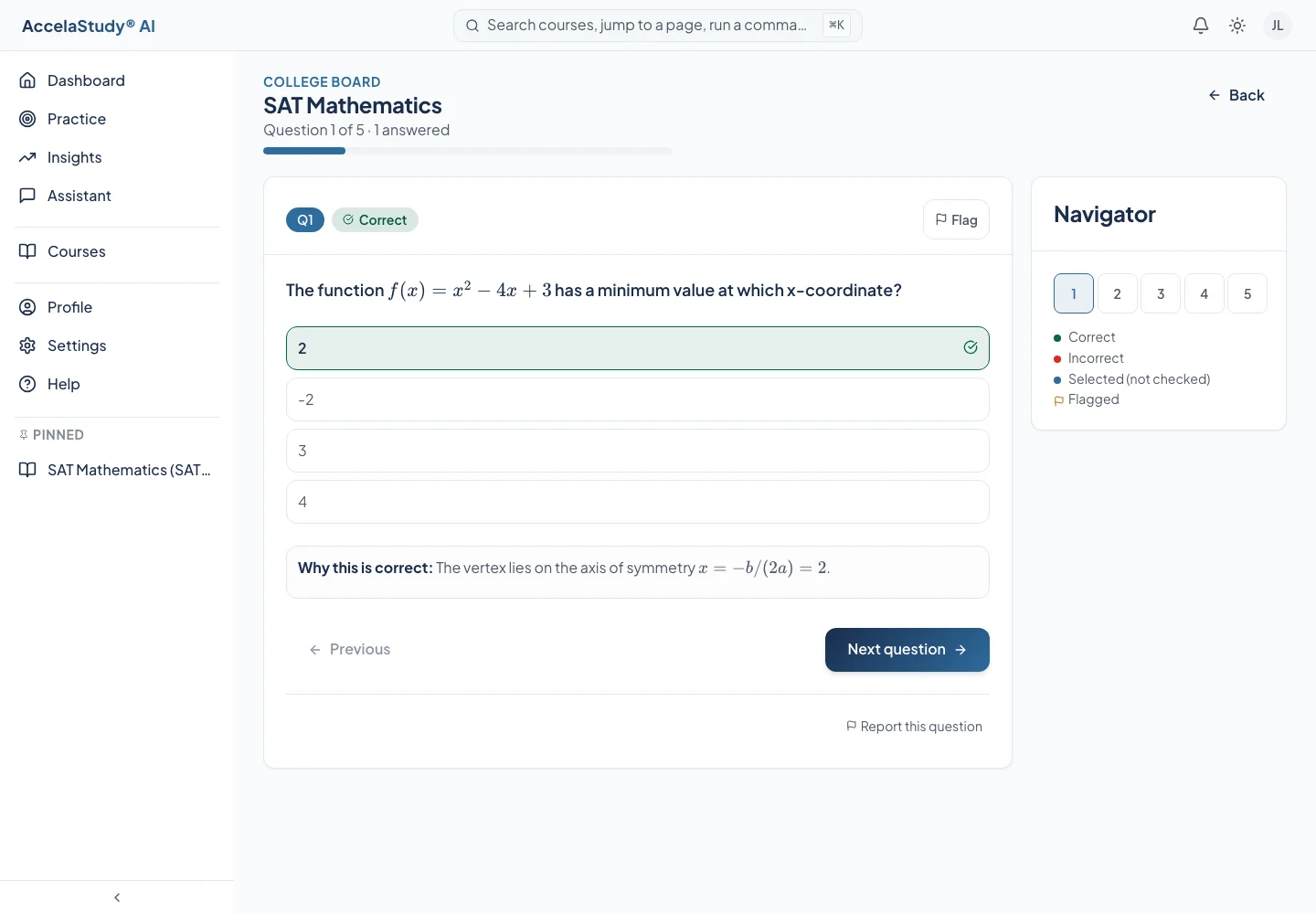
View larger ↗A practice question shows feedback and an explanation after you answer.
What it adds to your study routine
Formats matched to the subject
Practice beyond recognition
A clear inventory before you start
Format availability varies by course. The course’s Activities tab is the place to check what is included.